This guide is for freelancers receiving business income from clients in the United States, Europe and the UK. It does not rank one service as the best choice across Africa. Your country of residence, client’s bank and invoice currency determine which routes are usable.
Start with country and account eligibility
Check whether the provider accepts residents of your country and allows the type of business payment you expect. Availability is specific to a feature. For example, Wise’s USD account eligibility page lists Nigeria among the places where USD receiving details are unavailable. A general claim that a service operates internationally does not settle that question.
- Confirm you can receive commercial payments, not just send money.
- Check which identity and address documents are required.
- Look for your local bank or withdrawal currency before directing a client to the service.
- Read account limits and the rules for payments from marketplaces or third parties.
Choose a payment route your client can use
| Route | What to confirm before invoicing |
|---|---|
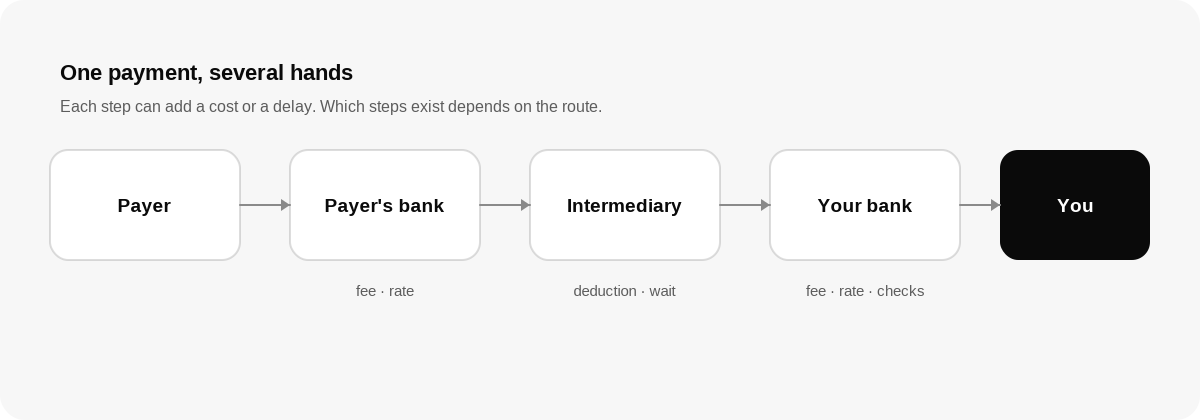
| International bank transfer | Ask both banks about transfer charges, receiving charges, conversion and expected arrival. |
| Local receiving account | Check the currency, supported payment rail and beneficiary name shown in your account. |
| Payment platform | Confirm the client’s payment method and your own withdrawal options. |
| Marketplace payout | Check the marketplace’s payout settings, fees and any release period. |
A receiving account can give your client familiar local details. Payoneer’s pricing page distinguishes receiving-account payments from card and other payment methods. The client’s chosen route therefore matters when comparing costs.
Compare one complete invoice
For a USD 1,000 invoice, record the amount sent, any receiving fee, the conversion quote, the withdrawal charge and the final local-currency amount. Get quotes for the same amount at roughly the same time. A low receiving fee alone tells you little about the cost of withdrawing.
Keep the payment deadline separate from the invoice due date. A client pressing send on Friday is not the same as funds becoming available for withdrawal that day. Ask for the provider’s estimate for that specific payment method.
Send clear payment instructions
- Agree on the invoice currency and who pays bank charges before the work starts.
- Copy the beneficiary name, bank details and supported transfer method directly from the account screen.
- Include the invoice number in the payment message where the provider supports it.
- Check receipt in your app or bank statement rather than relying on a payment screenshot.
- Keep the invoice, payment receipt and withdrawal record together for your bookkeeping.
Where Hover fits
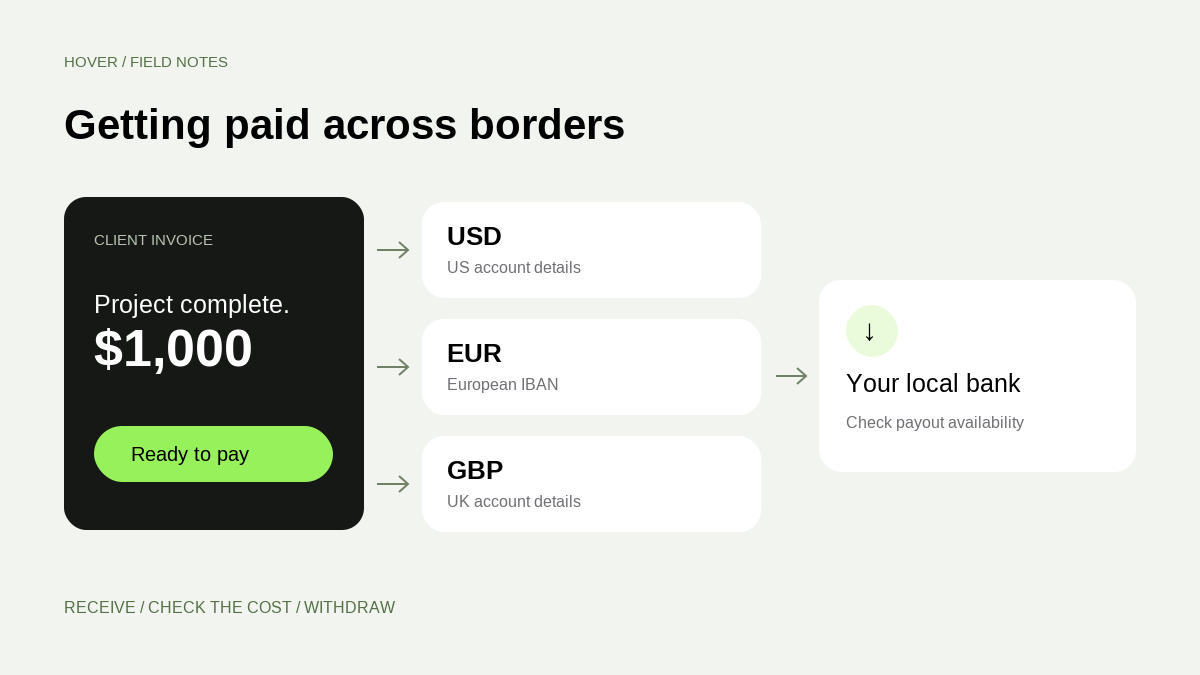
Hover offers USD, EUR and GBP virtual-account details after verification, subject to account eligibility. These are receiving routes. They should not be confused with three separate fiat balances: the app’s underlying balance is USDC. Check the available withdrawal method and the fee shown in the app before giving clients payment instructions.
Payments between Hover users are free. Bank payments use different systems and timings. See Hover’s company and fee information, then use the payment-cost checklist to compare your own route.