Agree the basics before you start the work
Three things are easier to settle in the proposal than on the invoice: the currency, the payment terms (for example, 14 days after the invoice date) and who covers transfer fees. Write all three into the proposal or contract so the invoice simply repeats what the client already agreed.
What to put on the invoice
- Your details: your full name or business name, your address and an email the client can reply to.
- The client's details: their legal company name and address, not just the name of the person you work with. Their finance team may need it to approve the payment.
- An invoice number: a unique, sequential number (for example 2026-014) so both sides can refer to it.
- Dates: the invoice date and a clear due date. "Due 28 November 2026" leaves less room for doubt than "Net 14".
- What you delivered: a short line for each piece of work, with quantity, rate and total.
- The currency code: write USD, EUR or GBP next to every amount. A "$" sign alone can mean several currencies.
- Payment details: the account details for that currency (see below).
- A payment reference: ask the client to quote the invoice number so you can match the payment.
Tax rules, such as whether you need to show a tax number or a VAT note, depend on where you and the client are based. Check with a local accountant or your tax authority; this guide does not cover tax.
Share payment details that match the currency
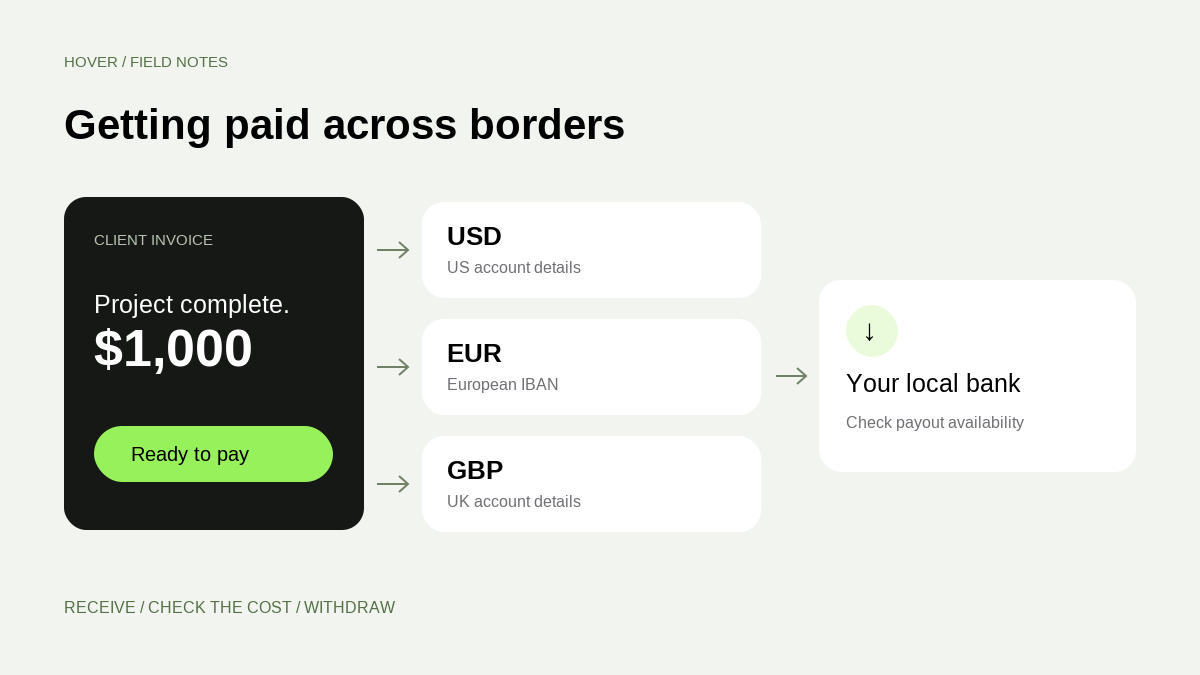
Clients pay fastest when they can use the bank transfer they already use for local suppliers. Give them the details for the route that matches the invoice currency:
| Invoice currency | Usual route | Details the client needs |
|---|---|---|
| USD | ACH or wire (US) | Account holder name, routing number, account number, account type |
| EUR | SEPA transfer | Account holder name, IBAN, and BIC if asked |
| GBP | Faster Payments (UK) | Account holder name, sort code, account number |
Copy the details exactly as your provider shows them, and check whether your account accepts the route the client plans to use. ACH and international wires, for example, are different payment methods. Our guide to choosing between USD, EUR and GBP explains each route in more detail.
A message to send with the invoice
Keep the email short and put the key facts in the body, so the client does not have to open the attachment to find them:
Hi Anna, please find invoice 2026-014 attached for the October design work: USD 1,200, due 28 November. You can pay by ACH or wire to the US account details on the invoice. Please use 2026-014 as the payment reference. Thanks again, it was a great project.
If the payment is late
- On the due date: send a friendly note with the invoice attached again. Many late payments are simply invoices that got lost in an inbox.
- A week later: ask whether anything is blocking the payment, such as a missing purchase order number or a detail their finance team needs.
- After that: refer to the payment terms you agreed in the contract, and ask for a date they can commit to.
Stay polite at every step. Most clients pay, and you probably want to work with them again.
Make the next invoice easier
Save the invoice as a template with your details and payment instructions filled in, so each new invoice only needs the client, the work and the dates. If you invoice in more than one currency, keep one template per currency so the right account details are always attached.
Hover gives freelancers their own USD, EUR and GBP account details, so overseas clients can pay by a normal bank transfer. To compare your options first, read our guide to the cheapest way to receive international payments.